How do I list my products?
You can list your products one by one, or by using our API. This article explains how to list one by one. Information about our API is here.
Listing products one by one
To start listing, follow these steps:
Go to the "Offers" section of your account
Select "New Offer" on the right side of the page
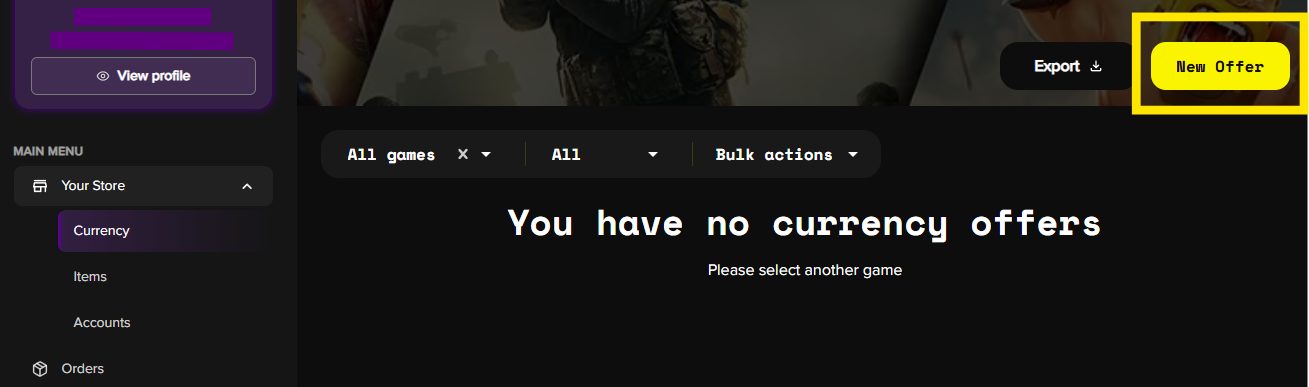
Choose a product category: Accounts, Currency, or Items on the left
Browse and select games. Press "Next"
Follow the instructions on the screen as you're going through the next steps. They vary depending on the game and product category. In most cases, you'll need to insert the offer title and details, upload offer photos, and write a description. Avoid any copyrighted images from game developers in your listings or profile pictures (listings with copyrighted material may be removed)
Select the delivery method (manual or auto). If your offer manual delivery, select the preferred guaranteed delivery time you can commit to
Further, specify the quantity and price
Applicable fees will be displayed in the fees section
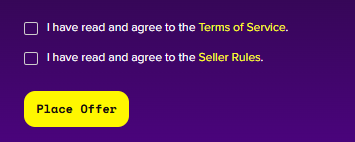
Confirm you've read and agree to the Terms of Service and Seller Rules, and press "Place Offer" to publish your offer
If you need help with the offer listing process, our support team is available 24/7. Reach out via live chat support, or email us at support@ggchest.com.